Fun 1 - [Python] A simple Hangman game
Apr. 4, 2021This series are intended for programmer at the beginner level. Through this series, I would like to show how I tackle certain problems, as well as demonstrating fundamental concepts in object-oriented programming.
In the first part of the series, we are going to make a simple hangman game that runs in the terminal.
Requirement
The first step to solve all programming problems is to understand the problem itself, and to identify the requirements that will then get translated into design, and actual code in the later step.
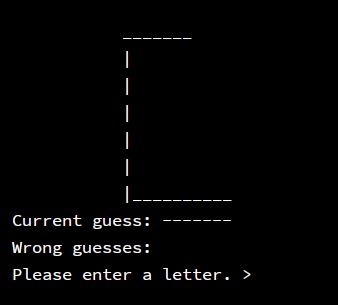
In the hangman game, the users have to guess a hidden word by inputing only a letter at the time until they run out of chances and fail or guess the correct word and success. Every time the user makes a wrong guess, a part of the hanging man will be drawn. The amount of steps to finish drawing the hanging man is also the number of guesses the use can make. Breaking this down, we need:
- a variable to store the word
- a variable to store the user’s correst guesses
- a variable to store the incorrect guesses
- game logic that updates the value of the above variables
We also need an image of how the game would look like, as well as the flow of the game, for e.g.:
Implementation
Initial value
Start simple by creating the variables to hold our initial values:
word = "LINUX"
guess = "-----"
wrong_letters = ""
The game loop
Since this is a game, what we need is a game loop, in which the program is constantly listening to the user input, updating the game state by executing the game logics, and terminate the program if the game has reached the end state. This concept will also be carried over to the other parts of the series.
while True:
    print(f"Current guess: {guess}")
    print(f"Wrong guesses: {wrong_letters}")

    letter = input("Please enter a letter. > ").upper()[0]

    # Game logic
In the snippet above, we simply print out the current guess and the wrong guesses, asking the user to input a letter. Then we execute the game logic to update the game state. In order to normalize the input, you can capitalize the letter by using .upper() or vice versa, convert the input letter into lower case. Please note that there a few cases in which the input can break the program, such as inputing more than 1 letter or inputing nothing at all. Here I had take care of the multi-letter case by taking the first element of the string array. In the case that the user input nothing, you can catch the exception raised by this statement, and proceed the loop without running the game logic (you can try to implement this by yourself).
    # Check if the letter is in the word
    if letter in word:
        temp = ""
        for index in range(len(word)):
            if letter == word[index]:
                temp += letter
            elif guess[index] != '-':
                temp += guess[index]
            else:
                temp += '-'
        guess = temp
    else:
        wrong_letters += letter
After the user input the letter, we need to check if our word contain the letter or not, and then update guess and wrong_letters accordingly. First, we quickly check if the letter exists by using the built-in in. The temp variable will hold the value for when we update guess. We go through our word “LINUX” letter by letter, if it match the input, we append it to temp. If not, we check guess and append the letter to temp when it is guessed previously. Otherwise, we append -. Finally, we update guess with the value of temp.
If the input letter is incorrect, append it to the wrong_letters variable.
Note:
If you find this confusing, take out a pen and a piece of paper, then try it step by step.
    # Check for a winner
    if word == guess:
        print("You win! And you live to play another day!")
        exit()

    # Check for a lost
    if len(wrong_letters) == 6:
        print("You lose!")
        print(f"The word was {word}")
        exit()
Here, we check if the game has reached its end state, in order to decide if the game continue on or to be terminated. We check if the word is completed by simply comparing word to guess. If the guess was incorrest, we check if the user runs out of chances by checking the length of wrong_letters, pretty convenient don’t you think. These two states are the possible end states, and marked by the exit() function.
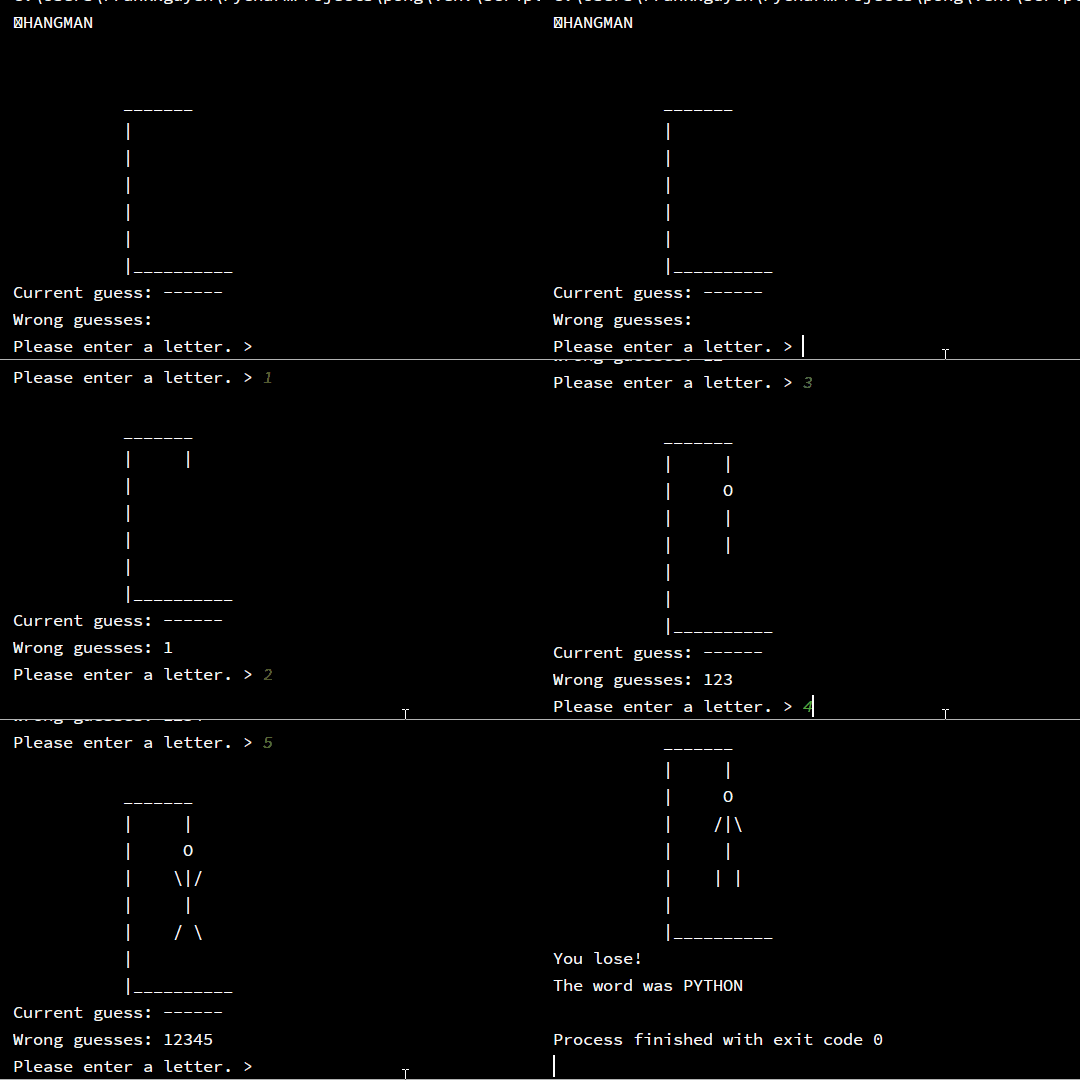
Until now, we have finished the hangman game itself. Yes, it is that simple. From here on, you can start adding more features to make your hangman game more lively. For e.g., you can add in the drawing of the hangman, extend the amount of words that can be used for the game.
    # Draw the hangman
    print("""
           _______
           |     |
           |     O
           |    /|\\
           |     |
           |    | |
           |
           |__________
    """)

    # Choose a random word
    words = ["LINUX", "MARKET", "MARS", "ZEBRA"]
    word = random.choice(words)
    guess = "-" * len(word)
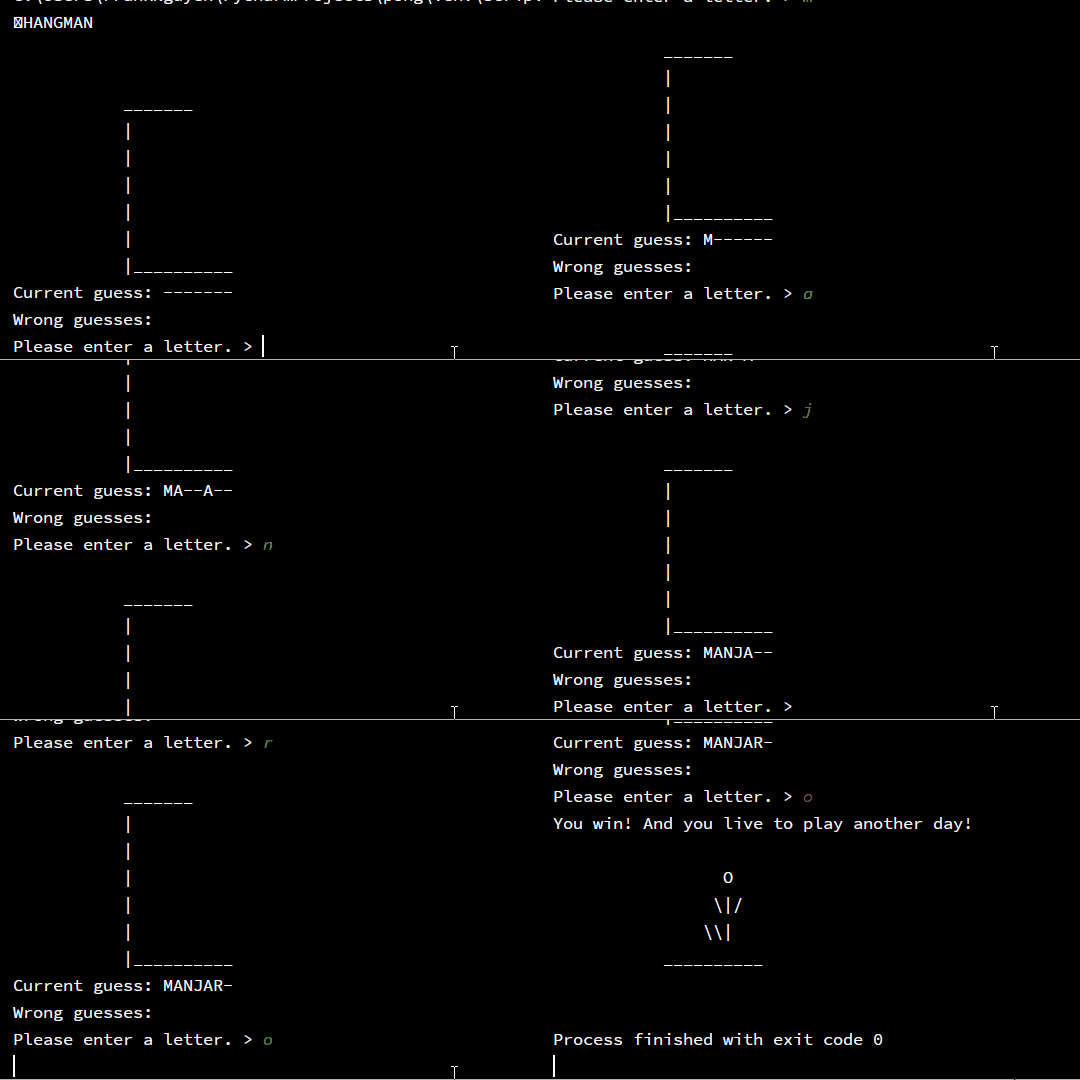
Here is the code for the features mentioned above, you can try to implement them to you code. The complete code will look similar the following flow:
 |
|